Access your terminal on any server directly in the browser with RunCloud Web Terminal. No SSH client, no key management, and nothing to install.
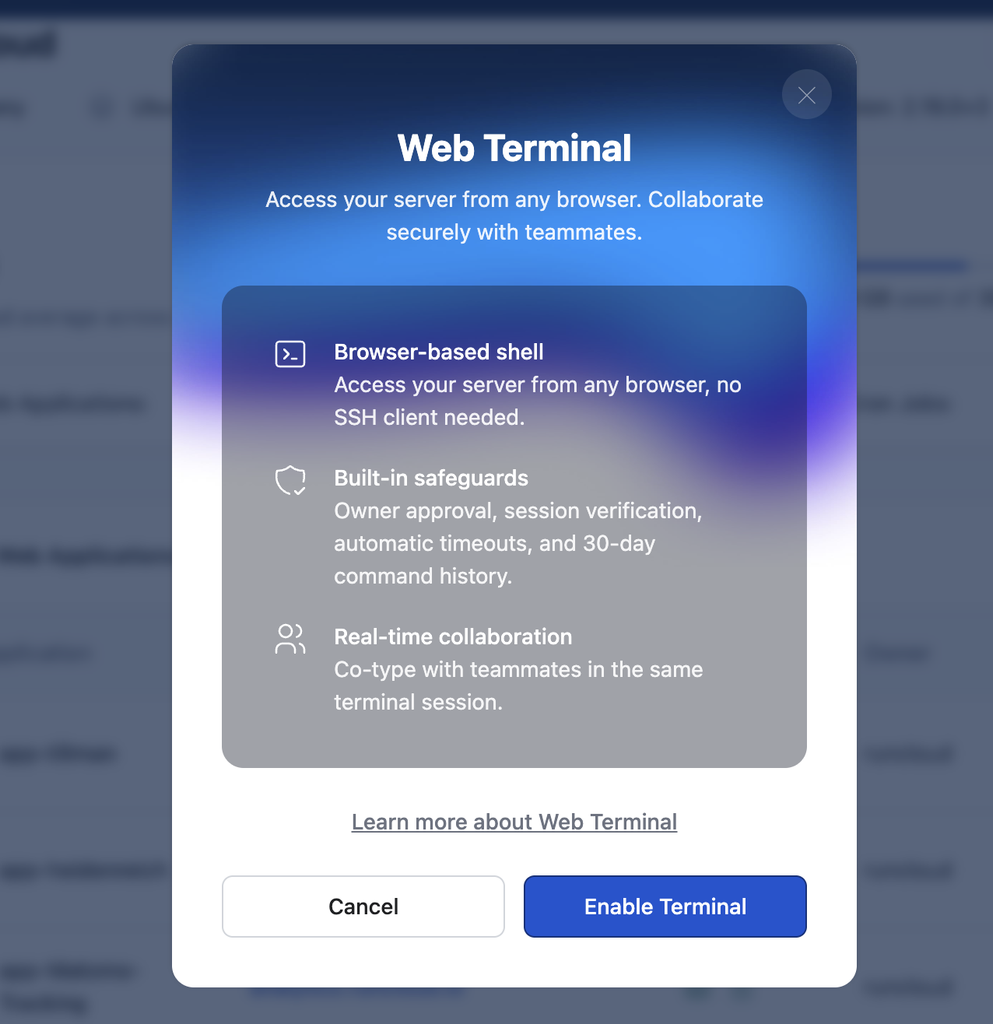
Note: Web Terminal is off by default. Workspace owners can enable it with an 8-digit code sent via email, and each session requires a new 2FA challenge.
What’s New
- Browser-based shell: A full interactive terminal in the RunCloud dashboard, on any machine, with no plugins.
- Scoped sessions: Launch from a server for a root shell, or from a web application to start in its directory, logged in as its system user.
- Shared sessions: Up to 10 people can join one session and type in it live.
- Command logging: Every command is recorded with the user who ran it. Logs are purged after 30 days.
- Automatic cleanup: Sessions close after 10 minutes of idle time, at 4 hours, or on disconnect. Up to 3 concurrent sessions per server.
Getting started
To get started, navigate to your server and look for the Enable Terminal option, as shown below:
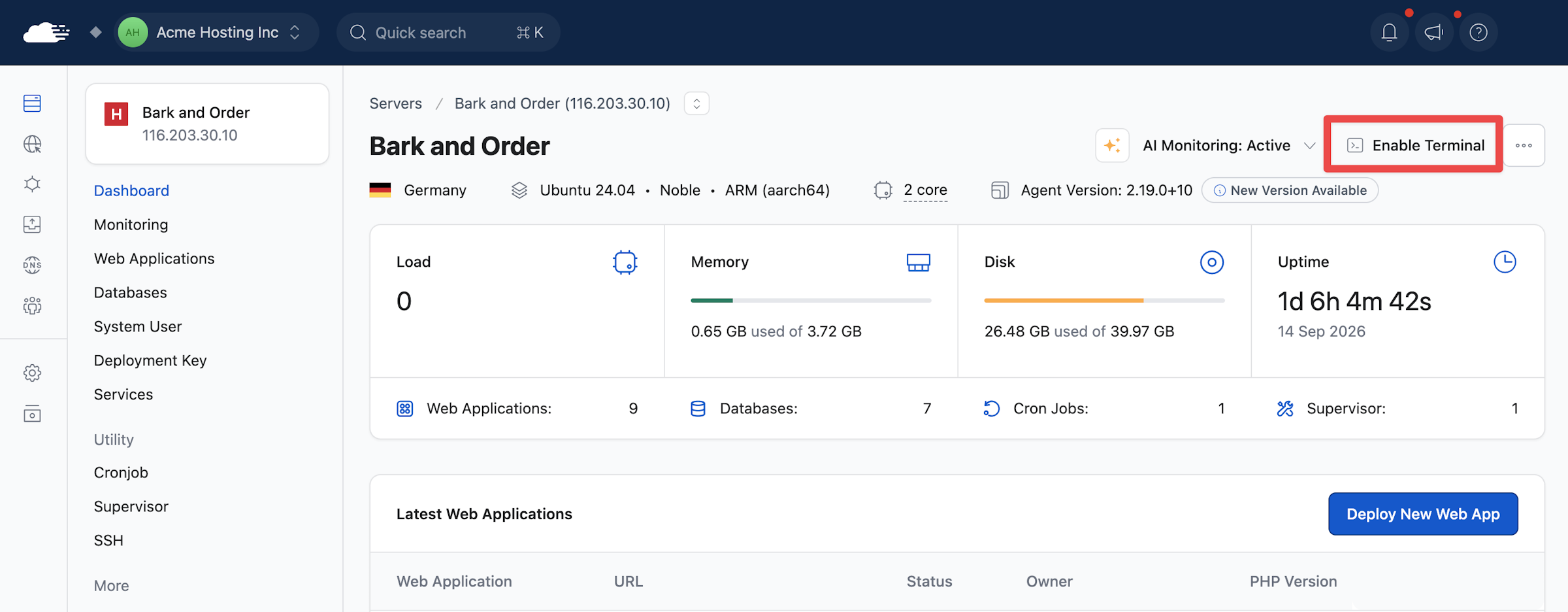
Requires RunCloud Agent v2.19.0 or newer and 2FA on your account.